
 4


Tuning, like a teacher’s ear
Small wobbles are normal. Duet lets them go and speaks up when the same note is off again and again.
 duet
Download
Duet sits with your child while they practise violin or piano. It listens, waits for them to finish, and helps with one thing at a time.
For iPhone, iPad and Mac
 Violin
 Piano
 Reads your music
 Notes for your teacher
In the practice room
Duet stays quiet and follows along on the page. A breath or a page turn changes nothing.
It says what went well, names one thing to fix, and circles the note on the music.
When words aren’t enough, Duet plays the bars, with the louds and softs that are printed.
When the spot comes back clean, the circle gets a tick and stays on the page.
What it hears
Small wobbles are normal. Duet lets them go and speaks up when the same note is off again and again.

Duet notices rushing and dragging. A phrase that stretches and then comes back is left alone.
If the page says crescendo and the playing stays flat, Duet says so. If the shape is there, it says that too.

After a couple of misses Duet narrows it to a bar or two and slows it down, then puts it back together.

For teachers
Duet never assigns new pieces or exercises. Families photograph the pages you set and add your note, and every class works on exactly that.
For families
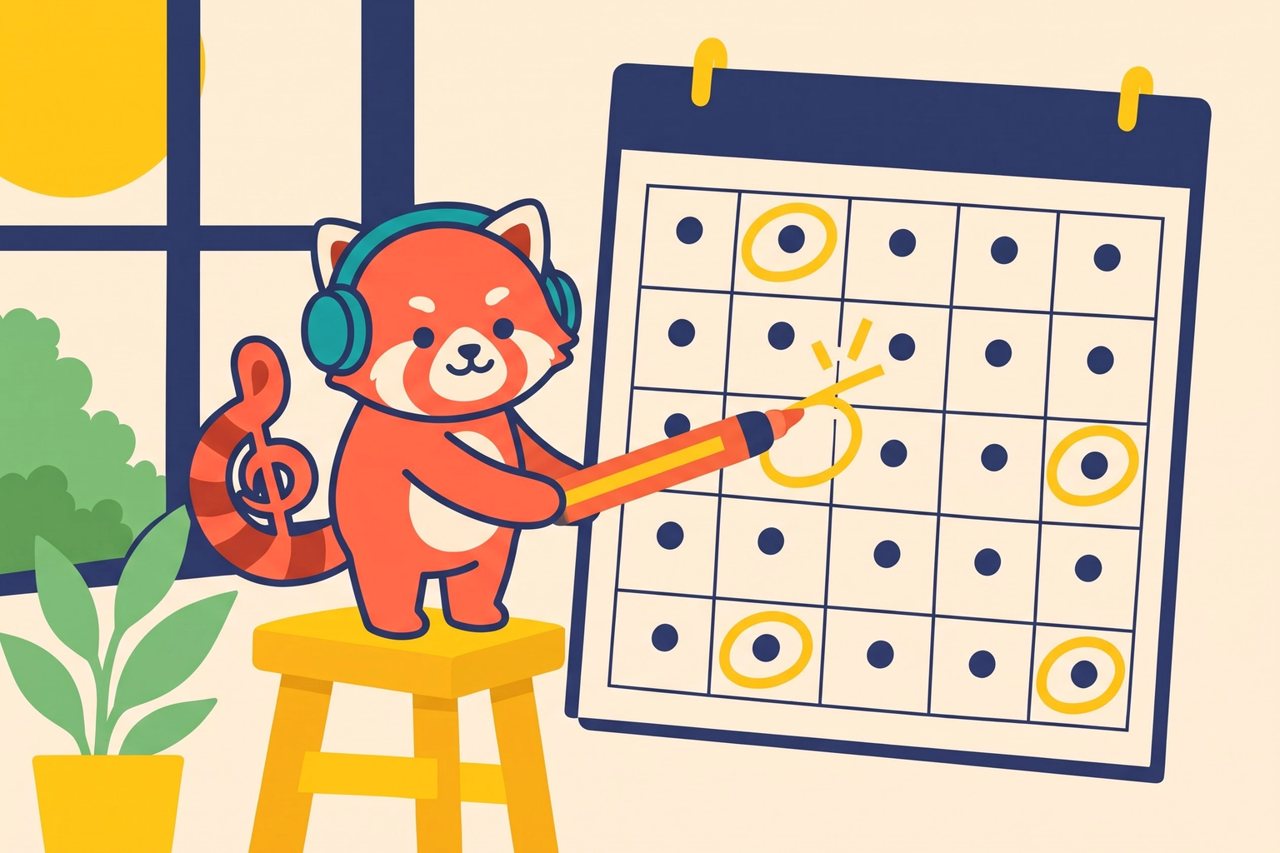
Pick when practice happens. Duet plans the week around the pieces that were set and keeps the streak going, with rest days that don’t break it.
Questions
No. Duet is a practice partner for the days between lessons. Your teacher chooses the pieces and sets the direction; Duet helps your child practise what was set and reports back.
Violin and piano.
No. It only takes a turn when they finish the passage, stop for a few beats, or tap Done. A breath or a page turn doesn’t count as stopping.
The sound of the instrument is analysed on the device. What goes to Duet’s coach is a description of what was heard (which notes, how in tune, how long, how loud), photos of the music pages so the notes can be read, and a short clip when your child asks a question out loud, so it can be turned into words.
Yes. It listens through a phone or tablet microphone and reads music from photos, and both can make mistakes. It is built to say less when it isn’t sure, and your teacher’s ear always has the last word.
iPhone and iPad, and Mac computers with Apple silicon (M1 or later). One download from the App Store covers all three.

One download for iPhone, iPad and Mac.
Download on the App StoreDuet isn’t on the App Store yet. This button will take you there as soon as it is.